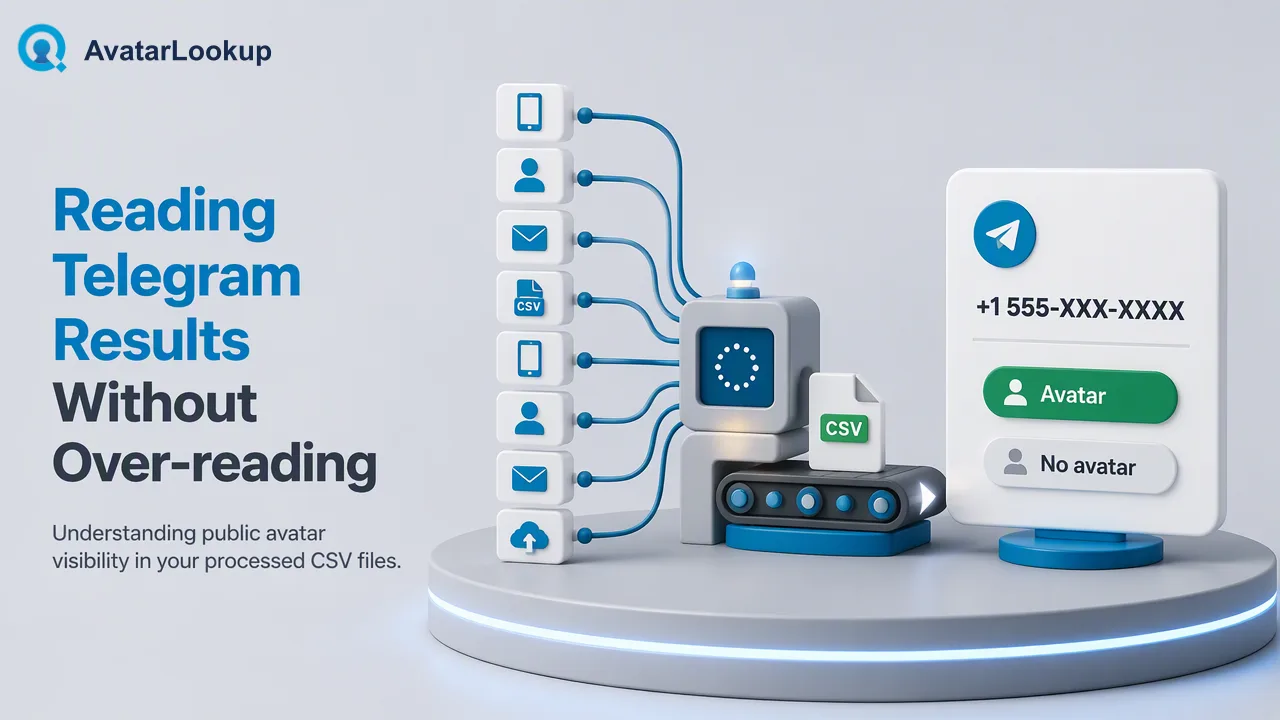
 Telegram Profile Picture Analysis for Phone Number ListsLearn how Telegram profile picture analysis by phone number works as an asynchronous bulk task: file preparation, polling and reading the CSV.Read article
Turn any image into profile attributes
Upload an image or pass an image URL and get the picture type, gender, age estimate, hair and skin colour in the same response. Only have a number or an address? WhatsApp, Telegram, Viber, LINE, MAX, Zalo, plus Gmail, Yandex and Mail.ru — we fetch that account's avatar first and run the same analysis for you.
$0.002 per imageImages are never stored · only attributes come backFree demo · no account needed
 Analysisindividual portrait
- Age (estimate)
- 39
- Gender
- male
- Skin tone
- white
- Hair colour
- brown
Sample data
From one image to a whole list of avatar analysis
Images are analyzed directly; with only an account identifier we fetch the avatar first and analyze it for you; large lists go through bulk files. Each product is priced on its own and draws from the same balance.

Image analysisImage
$0.002REALTIME

WhatsApp avatar analysisWhatsApp
$0.005REALTIME


Email avatar analysisGmail · Yandex · Mail.ru
$0.005REALTIME
WhatsApp avatar analysis · BulkWhatsApp
$0.005

Telegram number profile · BulkTelegram
$0.004
Telegram username profile · BulkTelegram
$0.004

Viber number profile · BulkViber
$0.008

MAX number profile · BulkMAX
$0.008

LINE avatar analysis · BulkLINE
$0.008

Zalo number profile · BulkZalo
$0.008
Email avatar check · BulkGmail · Yandex · Mail.ru
$0.003
An image, a WhatsApp number or an email — the same profile attributes
Whether you hand us an image or an account identifier, you get the same set of profile attributes back. The account route simply adds one step: fetching the avatar first.
01Profile attributes
Picture type, gender, age estimate, hair and skin colour. The analysis service returns these five directly.
02Two ways in
Upload an image or pass a public image URL; with only an account identifier, submit a WhatsApp number or a Gmail, Yandex or Mail.ru address.
03The account route adds three fields
Next to the attributes it returns whether the account exists (for an email address: whether it is reachable), whether an avatar is set, and the image URL when it does.
04When it is not billed
Any answer is billable — a pet, a cartoon, a landscape, an object, or attributes that come back undetermined all count as answers. Only three cases are free: the analysis service errored, the image could not be fetched or is not an image, and the model returned no fields at all. Those return an error code and are refunded automatically.
Account input: fetch the avatar first, then run the same analysis
The account route fetches that account's avatar first, then runs exactly the same analysis as the image route, and returns three avatar fields on top of the attributes. Below is what a single WhatsApp response looks like.
Three avatar fields always presentregistered, avatar and avatar_url come back on every successful lookup, even when the answer is “no”.
What comes back when there is no avataravatar_url is an empty string when the account has no avatar. Failed lookups return an error code instead, and are refunded.
Same attributes as the image routeOnce the avatar is fetched it goes through the same analysis, so the attributes match what you would get by uploading that picture yourself.
Single lookup responseAVATAR FOUND
+1 234 567 8900 · WhatsApp
Avatar available
Illustrative response. Values are not from a real account.
registeredtrue
avatartrue
avatar_urlhttps://…/a.jpg
service_typews_profile
Platform extras · WhatsApp sampleAlgorithmic estimate
- Age (estimate)
- 39
- Gender
- male
- Skin tone
- white
- Hair colour
- brown
Appearance attributes are algorithmic estimates for reference only; they never change the avatar verdict above.
Three steps to the profile attributes
No setup between submitting and reading the result. For whole lists, upload a file in the dashboard.
01
Give an image, or an account
Upload an image, paste a public image URL, or submit a WhatsApp number or a supported email address.
02
We fetch and analyze
The account route fetches that account's avatar first, then runs the same analysis; the image route analyzes it directly.
03
Read the attributes
Picture type, gender, age estimate, hair and skin colour come back in the same response; the account route adds the three avatar fields.
Telegram Profile Picture Analysis for Phone Number ListsLearn how Telegram profile picture analysis by phone number works as an asynchronous bulk task: file preparation, polling and reading the CSV.Read article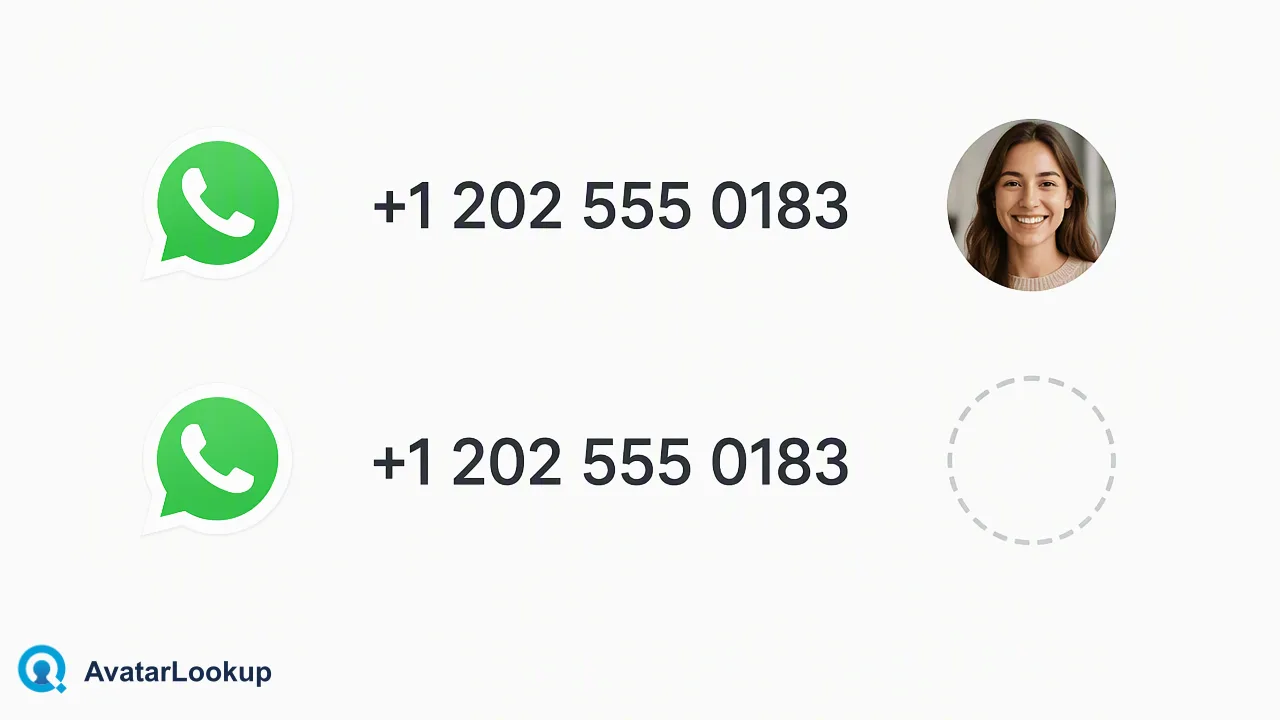 Avatar Lookup: From a Picture or an Identifier to Profile AttributesHow avatar lookup works for business contact data: analyze a picture, check a public avatar from an identifier, or run bulk files, and what it never proves.Read article
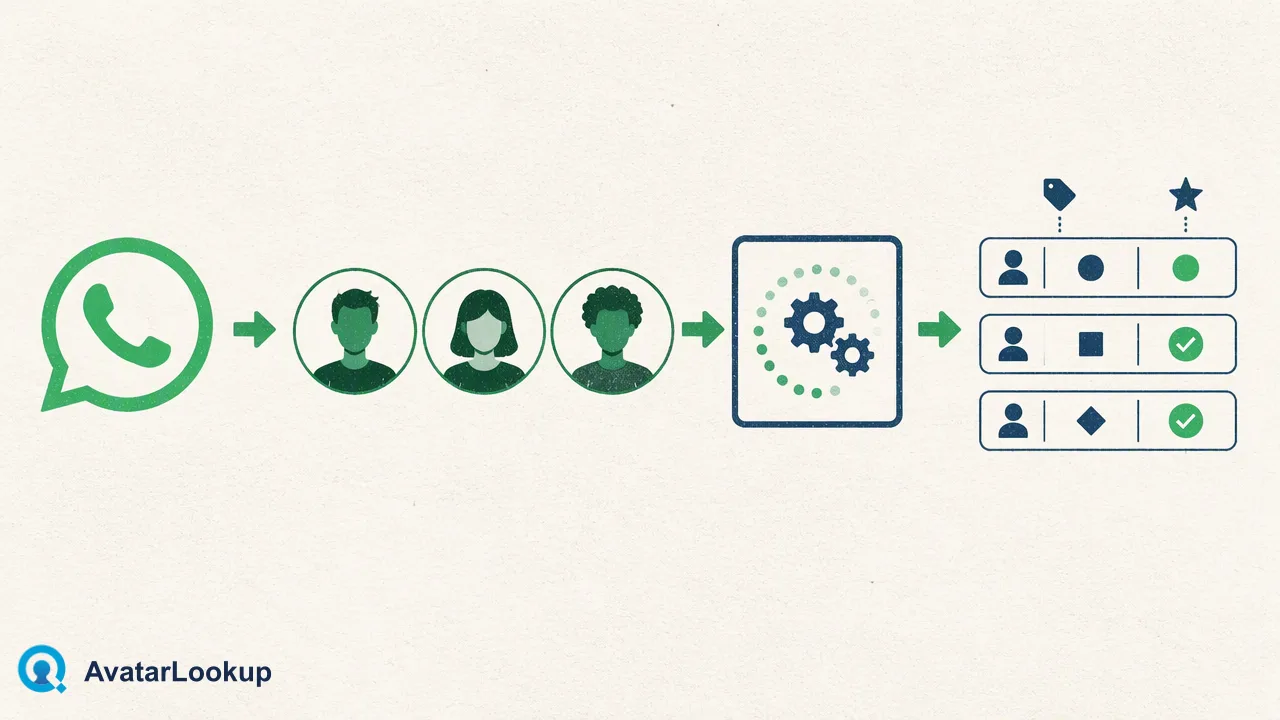 Profile Picture Analysis: What an Algorithm Can Read from an AvatarWhat profile picture analysis returns for an avatar, how to read picture type and appearance estimates, and where the limits are for contact data.Read article
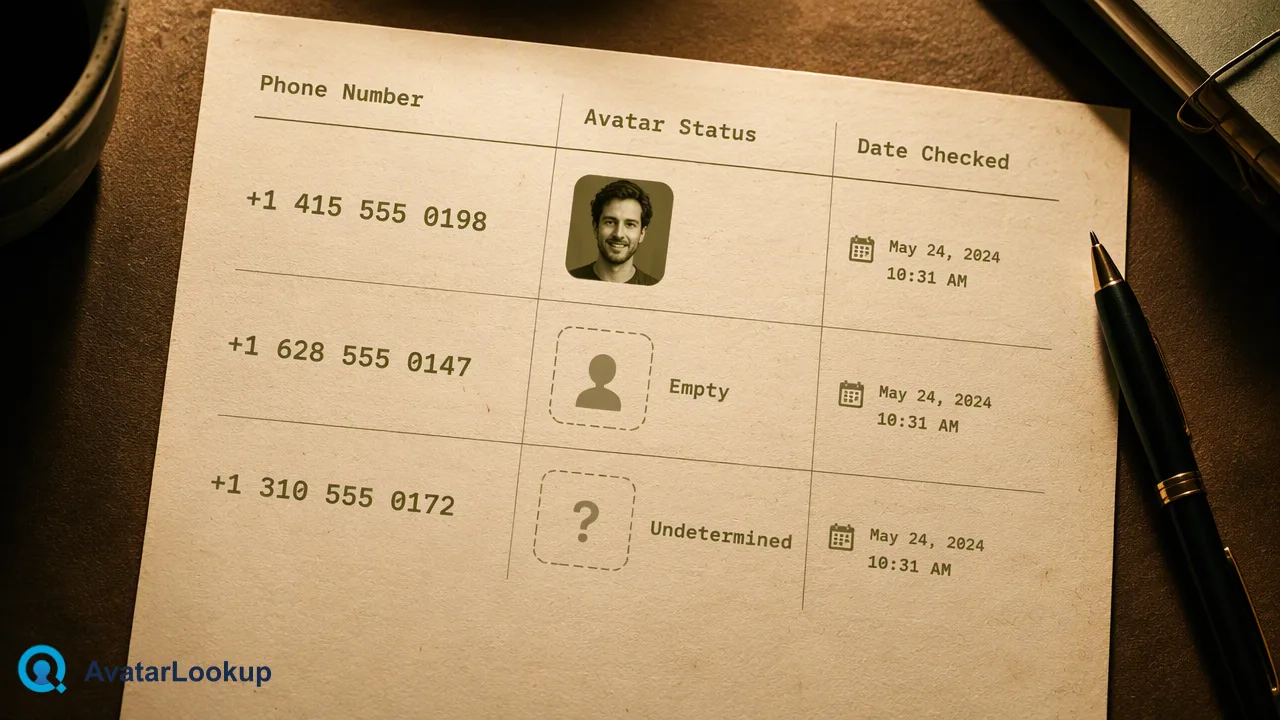 WhatsApp Profile Picture Checker: Analyzing the Public Avatar Behind a Business ContactHow a WhatsApp profile picture checker reads a public avatar, what no avatar and undetermined mean, and when to use single, multi or bulk checks.Read article
 No Avatar vs Undetermined: What Each Avatar Check Result MeansNo avatar and undetermined are different avatar check results, and neither proves an account is missing. Learn how to read, store and act on each.Read article
 Public Avatar Check for Contact Records: A Data Team WorkflowHow a data team can use a public avatar check on contact records as a review signal, with outcome categories, sampling steps and limits to respect.Read article
Avatar analysis FAQ
How do I analyze an image?
Upload an image or paste a public https image URL in the demo on this page for one free run. To integrate, call /api/v1/image/profile with your X-API-Key and either image_b64 or image_url; the response carries the picture type, gender, age estimate, hair and skin colour. The image is used for that one analysis and never stored.
How do I check whether an account has an avatar?
Submit one identifier and read the response: registered says whether the account exists (for an email address: whether it is reachable), avatar says whether an avatar is set, and avatar_url carries the image URL when it does. Use service_type=ws_profile for a number or service_type=email_profile for an email. Whole lists go through the async bulk upload.
Which platforms are covered?
WhatsApp and the three email providers (Gmail, Yandex, Mail.ru) answer in a realtime request. Telegram, Viber, LINE, MAX and Zalo are available as async bulk files. The product list on this page shows which sources each product covers and what it costs.
Do I get the image itself or just a URL?
A URL. We do not proxy, store or re-host the image — fetch it yourself from the returned address if you need a copy. The URL points at the platform's own CDN and may expire on their schedule, so treat it as a pointer, not an archive.
What does an empty avatar_url mean?
That the account has no avatar. It is a result, not a failure, and it is charged. A lookup that actually failed or could not be determined returns an error code instead and is refunded automatically.
How do I get the 100 free checks?
Create a free account and contact support to get 100 free checks. You can top up at any time.
How do I call the API?
Create an API key in Settings, then call /api/v1/check with the X-API-Key header, one identifier and a service_type (or post a picture to /api/v1/image/profile). The avatar fields come back in that same JSON response; up to 100 identifiers can be sent together through the synchronous multi endpoint.
Does an avatar tell me the account is active or that I may contact it?
No. It reports the state returned at request time — nothing about reachability, activity or consent. You remain responsible for lawful use of the data and for obtaining consent before contacting anyone.