
Telegram Profile Picture Analysis for Phone Number Lists
Learn how Telegram profile picture analysis by phone number works as an asynchronous bulk task: file preparation, polling and reading the CSV.
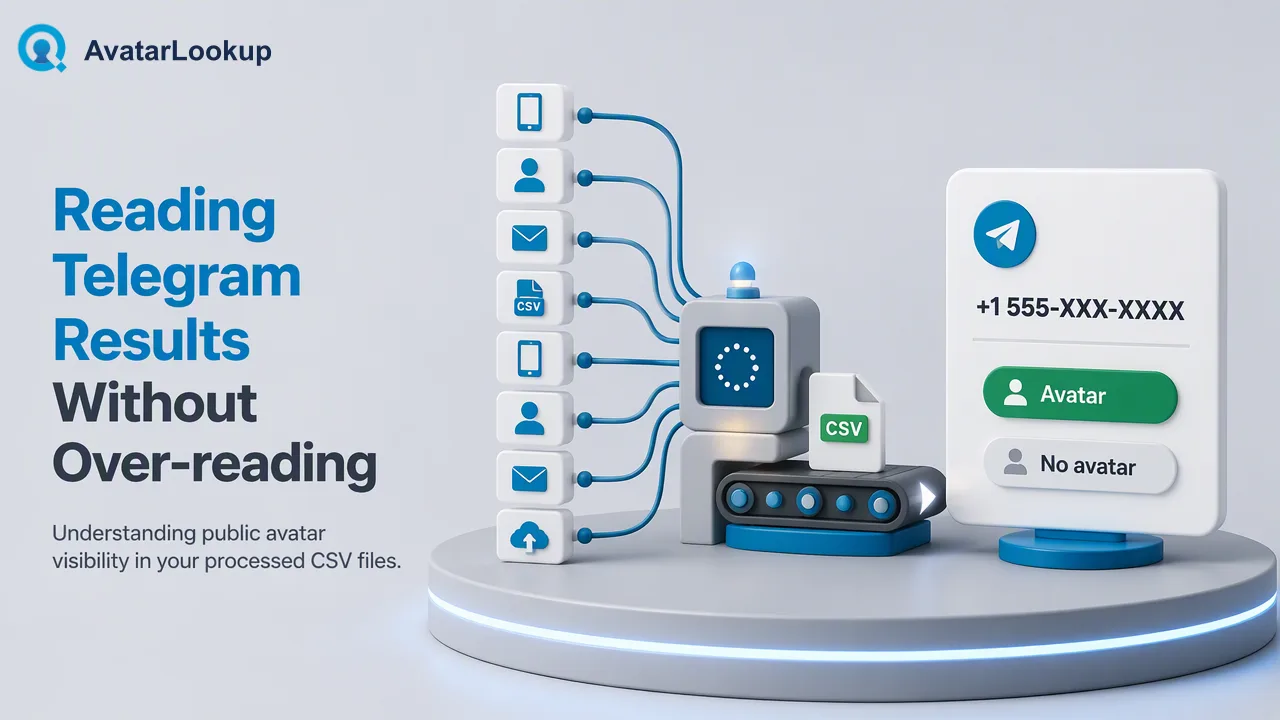
A step-by-step guide to the Telegram phone-number bulk product, explaining why there is no realtime check and how to prepare, run and read a task.
To analyze a Telegram profile picture by phone number, submit a prepared list to AvatarLookup's Telegram phone-number bulk product. Telegram avatar analysis is available only as an asynchronous bulk task, so there is no realtime single check. You upload a TXT or CSV file with one country-coded number per line, follow the task until it succeeds, and download one CSV. The results describe public avatars only and do not show who owns an account.
Why Telegram avatar analysis is bulk-only
Searches for a Telegram profile picture by phone number often assume that a lookup works like a contact search: type a number, see a face. Telegram does not work that way. It treats the phone number and the profile photo as separate privacy settings. Under Privacy and Security, each person chooses who can see their number and who can see their photo, with options such as everyone, contacts only or nobody, and Telegram's official FAQ describes these controls. A picture is therefore visible only when its owner has allowed it.
In AvatarLookup's catalog, Telegram phone-number analysis exists as a single product: the asynchronous bulk task. There is no realtime Telegram check, whether single or multi, so teams should not plan an integration that expects an instant answer for one number. Realtime and synchronous multi checks are documented only for WhatsApp and for supported Gmail, Yandex and Mail.ru email addresses.
This design suits the typical Telegram use case, which is reviewing a list rather than looking up an individual. A marketing operations team may hold tens of thousands of numbers from a regional database, and the question is how many of them present a public picture and what kind of picture it is. A task that runs in the background and returns one CSV fits that question well.
Preparing a country-coded phone file
File preparation decides whether a task succeeds, so spend time here. The Telegram phone-number product expects a TXT or CSV file with one identifier per line. XLSX and other spreadsheet formats are not accepted, so export your sheet as CSV or paste the numbers into a plain text file.
Use this checklist:
- Write each number as digits including the country code, with no plus sign, spaces, dashes or brackets.
- Choose one country for the task. The list should essentially belong to that country, so split a multinational list into one file per country.
- Remove duplicates, blank lines and header rows.
- Confirm that the list size fits the product's published minimum and maximum, which are listed in the API documentation and the pricing page.
- Keep a copy of the original list so you can join results back to your records.
When you submit through the API, send the task to POST /api/v1/bulk-tasks. In a multipart submission the country field must come before the file field, which is easy to get wrong when a client library reorders form parts. A task for phone numbers does not accept +86, +852 or +853 numbers, because those regions are available only through realtime single-number checks, and those checks do not cover Telegram.
Running the task and downloading the CSV
A bulk task is asynchronous. Submitting the file returns a task you can follow, and you check its progress with GET /api/v1/bulk-tasks/{id}. The service documents no fixed completion time, so plan around the status, not around a clock.
Follow these operating rules:
- Poll no more often than every 30 seconds. Faster polling adds load and gains nothing.
- When the status shows success, download the single CSV produced for the task.
- Download links last 12 hours. If a link expires, query the same task again to refresh it.
- Store the CSV in your own system promptly, with the date and the file you submitted.
Before you start a large run, test with a small file near the product's minimum so you can confirm that your formatting, country choice and downstream import all work. Fixing a header problem on a small file is cheaper than discovering it after a full list has been processed. Keep an eye on the account balance through GET /api/v1/balance so a long run does not stall for lack of credit.
Reading the Telegram CSV without over-reading it
The Telegram phone-number CSV has its own columns, and they should not be assumed to match another product. Viber, MAX, LINE, Zalo and email bulk files each return their own fields, so write a separate import mapping per product instead of one shared schema. Read the column list in the API documentation before you build the mapping.
The interpretation rules matter more than the columns:
- A row with a public picture means a public avatar was analyzed. Appearance attributes, where present, are algorithmic estimates, not demographic facts.
- A row without a picture means no public avatar was available. It can reflect the owner's photo privacy setting, and it is not evidence that the number has no Telegram account.
- An undetermined row means the check reached no conclusion. Neither outcome shows that an account does not exist.
- Completed rows are billable even when the answer is negative.
Use the output as one input to contact review, for example to separate records that show a portrait from those with a logo, or to prioritise manual checking. It is not identity verification, and it does not prove who controls an account. A separate Telegram username bulk product also exists for lists of usernames, which may be given as a plain username, @username or Telegram-link form. Use it when your source holds usernames rather than numbers, and keep its results in their own table.
FAQ
Is there a realtime Telegram profile picture check for a single number?
No. Telegram avatar analysis is documented only as asynchronous bulk products, one for phone numbers and one for usernames. Realtime single and synchronous multi checks cover WhatsApp and supported Gmail, Yandex and Mail.ru email only, so Telegram workflows should be designed around a file and a task.
What file format does the Telegram phone-number product accept?
TXT or CSV with one identifier per line. Numbers are written as country-coded digits without a plus sign, and one country is chosen for the task. XLSX uploads are not supported, so spreadsheets should be exported to CSV first.
Does a missing picture mean the number has no Telegram account?
No. A missing picture can reflect the owner's privacy setting or the lack of a photo. How can teams treat these rows? Keep them as no-avatar or undetermined outcomes and avoid drawing conclusions about whether an account exists.
Can Telegram numbers from Hong Kong or Macau be included?
Bulk tasks do not support +852, +853 or +86 numbers, which are limited to realtime single-number checks, and those checks do not cover Telegram. Taiwan (+886) support is unconfirmed, so teams should check the current documentation before including such numbers.
Learn More
Choose the product information that fits the next step in your workflow.