
Profile Picture Analysis: What an Algorithm Can Read from an Avatar
What profile picture analysis returns for an avatar, how to read picture type and appearance estimates, and where the limits are for contact data.
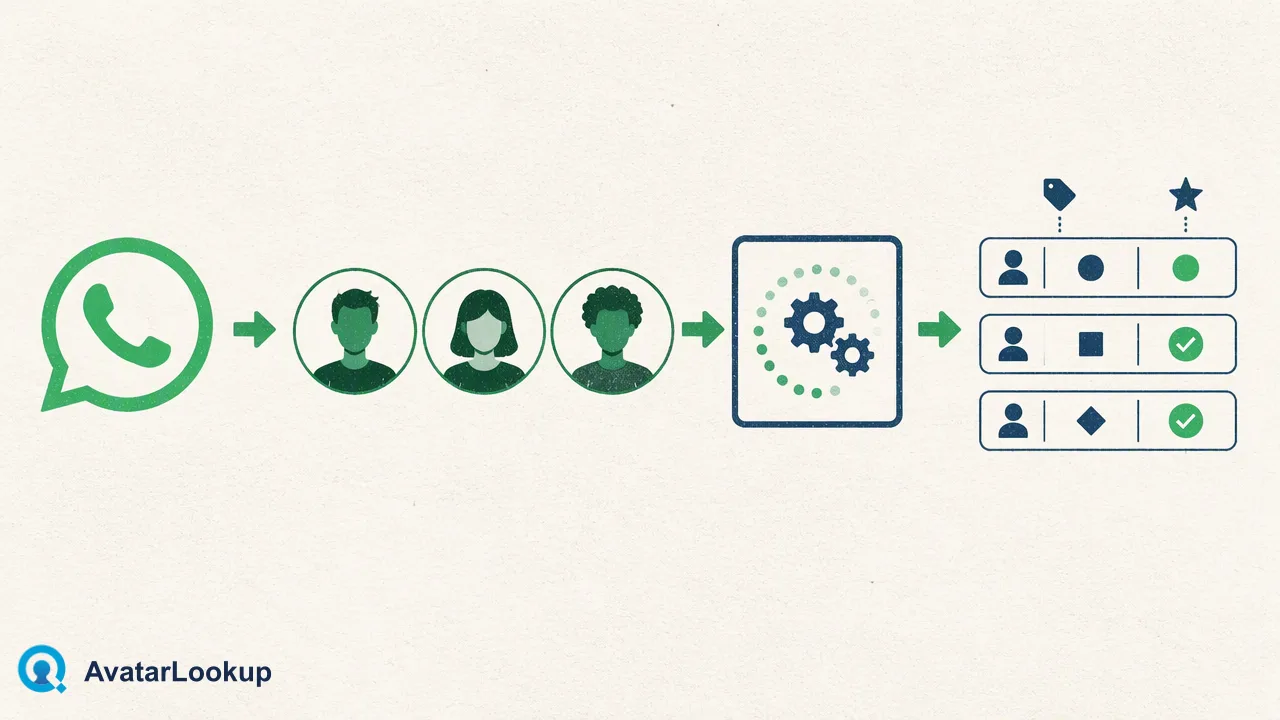
A plain-language definition of profile picture analysis for contact-data teams, with outputs, limits and a review workflow.
Profile picture analysis is the automated description of an avatar image: what kind of picture it is and, when it shows a person, estimated appearance attributes. In AvatarLookup, image profile analysis returns the picture type, such as a photo, logo or illustration, plus estimated age, gender, hair colour and skin colour. Every appearance value is an algorithmic estimate drawn from one image. Profile picture analysis can help contact-data teams sort and review records; it cannot tell you who a person is, whether they own an account, or anything about personality. The core route is to upload the image you already hold.
What profile picture analysis means
Search results for "profile picture analysis" are dominated by pop-psychology pieces about what your photo says about your personality, many of them based on a single correlation study of social media users. That is a different idea. In a business setting, profile picture analysis is narrower and more practical: a model looks at an avatar and returns a small set of structured descriptions that can be stored next to a contact record.
The value is consistency. A reviewer scrolling through hundreds of records will describe pictures differently from one day to the next. A model returns the same categories every time, which makes it possible to filter, count and spot oddities, such as a brand logo on what should be a personal contact or a cartoon on a supplier record.
The outputs describe the image, not the person behind it. Keep that distinction in every field name, report and decision that uses them.
What an algorithm can read from an avatar
AvatarLookup image profile analysis returns two kinds of output.
| Output | Example values | How to treat it |
|---|---|---|
| Picture type | photo of a person, logo, illustration, other image | A description of the image content |
| Estimated age | an age estimate | Algorithmic estimate, can be off by years |
| Estimated gender | a gender estimate | Algorithmic estimate, not a fact about the person |
| Hair colour | a colour category | Estimate from the visible image |
| Skin colour | a colour category | Estimate from the visible image |
Picture type is usually the most useful field for data quality work, because it answers a simple question: is this a person's photo or something else? Appearance estimates only make sense when the picture type is a person, and even then they describe how the image looks, which can be changed by lighting, filters, cropping or an old photo.
A result can also contain unknown values, for example when the picture is a pet, an object or a heavily stylized drawing. Unknown is a valid answer about that image, not a failed analysis.
What profile picture analysis cannot tell you
The limits matter as much as the outputs.
- Identity and ownership. An avatar can be any image the account holder chose, including someone else's photo. Analysis describes the picture; it does not say who uses the account.
- Accuracy for individuals. Independent testing in NIST's Face Analysis Technology Evaluation reports that age estimation error varies with image quality, age group, sex and region of birth, and that no single algorithm leads in every condition. Small, compressed avatars are often below the quality of test images.
- Personality or intent. No output speaks to character, trustworthiness or behaviour.
Because of these limits, appearance estimates should not drive high-impact decisions such as approval, pricing or eligibility, and should never be used for discriminatory screening, tracking or profiling of individuals. They fit low-stakes tasks: grouping, spotting mismatches and prioritizing manual review of a record, not of a person.
How to run image profile analysis
The core route is to analyze an image you already hold, such as an avatar saved from a form, a support ticket or an earlier export.
- Check the file. Image profile analysis accepts JPEG, PNG, WebP or GIF files within the documented size limit. Resize or convert anything too large or in another format.
- Submit it. On the website, upload the file. In code, send it as a multipart file upload to the documented image profile endpoint. The call is synchronous, so the description returns in the same response.
- Store the reference. The identifier on an image result is a fingerprint derived from the picture content, not an account or phone number. Keep the mapping from that fingerprint to your contact record in your own system.
- Label the values. Save the picture type and estimates with the date and a source note, for example "uploaded avatar, analyzed 2026-10-20".
When you hold only a WhatsApp number or a supported Gmail, Yandex or Mail.ru address, separate avatar checks describe the public picture shown for that identifier.
A simple review workflow for contact-data teams
Profile picture analysis is most useful when it feeds a clear, low-risk routine.
- Sort by picture type first. Group records into person photo, logo, illustration and other. Logos on personal contacts and personal photos on shared company inboxes are common signs that a record needs a second look.
- Compare with what you already know. If a record is labelled as a company account but the avatar is a personal photo, route it to a reviewer rather than changing it automatically.
- Keep estimates out of rules. Do not build filters that act on estimated age or gender. Use them, at most, as context a reviewer can see.
- Refresh and expire. Avatars change. Re-analyze when a new picture arrives and delete stored estimates when the record no longer needs them.
- Document the source. Note whether a value came from an uploaded image or a public avatar check, so later readers know what it describes.
These steps keep the outputs useful for data quality while avoiding the overreach that turns an estimate into a label on a person.
FAQ
How is profile picture analysis different from reverse image search?
Reverse image search looks for other places where the same or a similar picture appears online. Profile picture analysis describes the picture itself: its type and, for a person, estimated appearance attributes. The two answer different questions, and neither one establishes identity. Contact-data teams usually need the description for sorting and review rather than a list of other pages using the image.
Why might an avatar return unknown appearance values?
Unknown values appear when the image does not show a person clearly, for example a pet, an object, a logo or a stylized drawing, or when the visible face is too small or obscured. That is a completed description of the picture. Teams can treat it as useful information, since a non-person avatar on a personal contact is itself a reason to review the record.
How can teams explain profile picture analysis in a privacy notice?
Describe it plainly: the organization analyzes avatar images it holds, or public avatars for supported identifiers, to describe picture type and estimated appearance for contact-data quality. State that outputs are estimates, are not used for eligibility decisions, and are kept only as long as the related record needs them. Legal teams should adapt the wording to the regulations that apply locally.
Learn More
Choose the product information that fits the next step in your workflow.