
Profile Picture Analysis Online: Photo Raters vs Attribute Analysis
Compare online photo-rating tools with image attribute analysis and choose the route that answers a contact-data question.
A decision guide for choosing a profile picture tool by its output and the work that follows.
Profile picture analysis online can mean two very different tasks. A photo rater evaluates how a headshot may appear to an audience; attribute analysis describes visible image content for a data workflow. AvatarLookup analyzes an uploaded picture or public HTTPS image URL and returns picture type and algorithmic appearance estimates. When a team has only a supported WhatsApp or email identifier, a source-specific public-avatar analysis is another route. Choose the route by the question that needs an answer, then preserve the input source and the limits of the result. Neither a rating nor an attribute estimate verifies identity.
What is the question behind profile picture analysis online?
Start by writing down the decision the result should support. Someone choosing a professional headshot might want feedback on composition, lighting or first impressions. That is a subjective presentation question. A contact-data team may instead need to distinguish a portrait from a logo or illustration in records that already contain pictures. That is a classification and review question. A third team may have an account identifier but no image and want to know whether a public avatar is available from that specific source. These tasks should not be mixed under the broad phrase “profile picture analysis.”
A photo-rating service may invite people to score attractiveness, professionalism or suitability for a social context. Those scores reflect a chosen audience and criterion. They do not answer whether a contact record has an image of a certain type. Attribute analysis returns descriptive, algorithmic outputs about the picture itself. The difference matters when a result is written into a database: “rated highly” and “appears to be a portrait” are not interchangeable fields.
Before evaluating any tool, decide what the input is, what output is needed, and who will review an uncertain answer. This short specification prevents a team from collecting sensitive or low-value image data simply because a tool makes it easy.
Compare photo ratings with image attribute analysis
A compact comparison is useful when teams review vendors or design an internal workflow.
| Question | Photo-rating approach | Image attribute analysis |
|---|---|---|
| Main task | Evaluate a picture for a chosen audience or use | Describe visible content of an image |
| Typical input | A picture selected for feedback | An image file or public image URL |
| Useful output | Subjective presentation feedback | Picture type and algorithmic appearance estimates |
| Suitable next step | Human edits or selects a photo | Human reviews a contact-data record |
The comparison is about task type, not a claim that every service in either category uses the same methods. A rating may be useful when the owner of a headshot is actively choosing an image. It is much less useful when an operations team needs a repeatable label for images in existing records. Conversely, an attribute estimate cannot tell a person whether a headshot will make the desired impression on a particular audience.
The image profile analysis page describes the image-first route. It is the natural place to start when a team already has a picture and wants a structured description. The team should still inspect how the result fits its own review policy rather than treating a field as an instruction to accept or reject a person.
Choose the input route before interpreting the output
For a picture already held by the team, use image profile analysis: the website accepts an upload or public HTTPS URL, while the documented API uses multipart file upload. Confirm that the picture is an authorized input, in a supported format and within the documented size rule. Keep a reference to the source and record the analysis time. A picture can change later at its URL, so a later reviewer should know which input was examined.
If the team has only an identifier, image upload is not the starting point. The documented realtime and synchronous multi-identifier routes apply to WhatsApp and supported Gmail, Yandex and Mail.ru email. Other named messaging sources use their own asynchronous bulk products. The how it works guide helps place these routes in sequence. Use a source-specific product page or the API documentation to check current inputs before integration.
Keep the result type attached to the source. A description of an uploaded image says something about that picture, not who owns a messaging account. A public-avatar result says what that supported source returned at check time, not what a private account image contains. The distinction is especially important when different departments view the same contact record.
Turn uncertain results into a review workflow
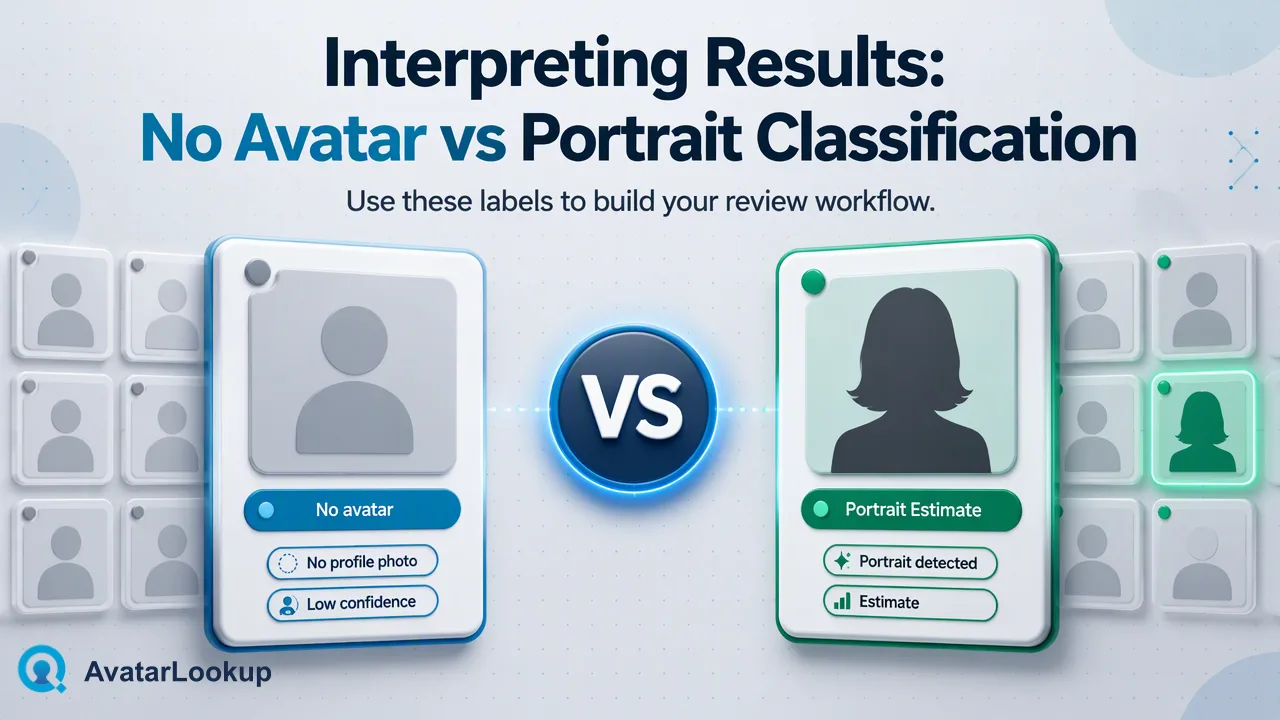
Attribute analysis can return picture type and estimated age, gender, hair colour or skin colour. Treat those as algorithmic estimates, not demographic facts. An image can be a cartoon, animal or logo; a completed analysis can therefore have unknown appearance attributes. Rather than force a human value into every field, preserve “unknown” and route the record to a suitable review path if the business question requires more context. A completed nonhuman result remains a completed result under the documented operating model.
For an online profile-picture workflow, a simple internal review record can include the input kind, source, descriptive output, uncertainty and a human decision. Keep each step distinct. For example, an operator may decide that a logo is acceptable for a company record but worth checking for a personal record. That is a team policy judgment, not an automated finding about the person behind the contact.
Avoid using appearance estimates to establish who someone is, to screen people unfairly, or for other consequential decisions. If a record truly needs proof of identity or ownership, use a separate, appropriate process. Profile picture analysis can inform routine data review, but its useful scope ends with what the image or documented public source actually shows.
Evaluate a tool by the work it removes
A useful pilot starts with a small set of records where the desired answer is known to the reviewing team. Write down whether the question is about presentation, picture type, or public-avatar availability. Inspect whether each output gives the reviewer enough context to act, and record ambiguous cases rather than silently treating them as failures. The goal is a better workflow definition, not an invented accuracy percentage.
Then consider where the result will live. A headshot rating may belong in a private photo-selection process and never in a contact database. An image description may belong in a limited data-quality queue with the source and uncertainty preserved. A public-avatar observation should be labeled with its platform and time. This separation makes it easier to correct records later when a public image changes or a human reviewer disagrees with an estimate.
Finally, check whether the input route matches the team scale. A few images may be handled on the website. An integration can use the documented image file API. Identifier lists require the source-specific realtime, multi or bulk workflow. Choosing by input and result prevents a tool comparison from collapsing into a vague promise that one picture service answers every profile question.
FAQ
How can teams decide between a photo rater and attribute analysis?
Define the immediate question. For selecting a headshot for an audience, a rating or human feedback process may be relevant. For categorizing a picture already associated with a contact record, image attribute analysis provides a description and estimates. If there is no picture and only an identifier, use a documented source-specific public-avatar route. Keep the output category with the record so reviewers understand what was measured.
Can an online picture analysis confirm whose face is shown?
No. Descriptive image attributes and subjective photo ratings are not identity or ownership verification. A profile image can be borrowed, shared, synthetic, or unrelated to the account holder. Teams should use separate, authorized verification methods when identity matters, and should not convert an appearance estimate into a demographic fact.
What if the picture is a logo or illustration?
Image analysis can still produce a completed result for a nonhuman picture, with appearance attributes unknown or not useful for the task. Preserve that outcome and let a reviewer decide whether the image is appropriate for the specific record. Repeating the same analysis will not turn a logo into a human portrait; use a better input or a different review question if necessary.
Learn More
Choose the product information that fits the next step in your workflow.