
What Is an Avatar Check? Images, Public Profiles and Results
An avatar check can analyze an existing image or a public avatar for a supported identifier. Learn the source-specific results and limits.
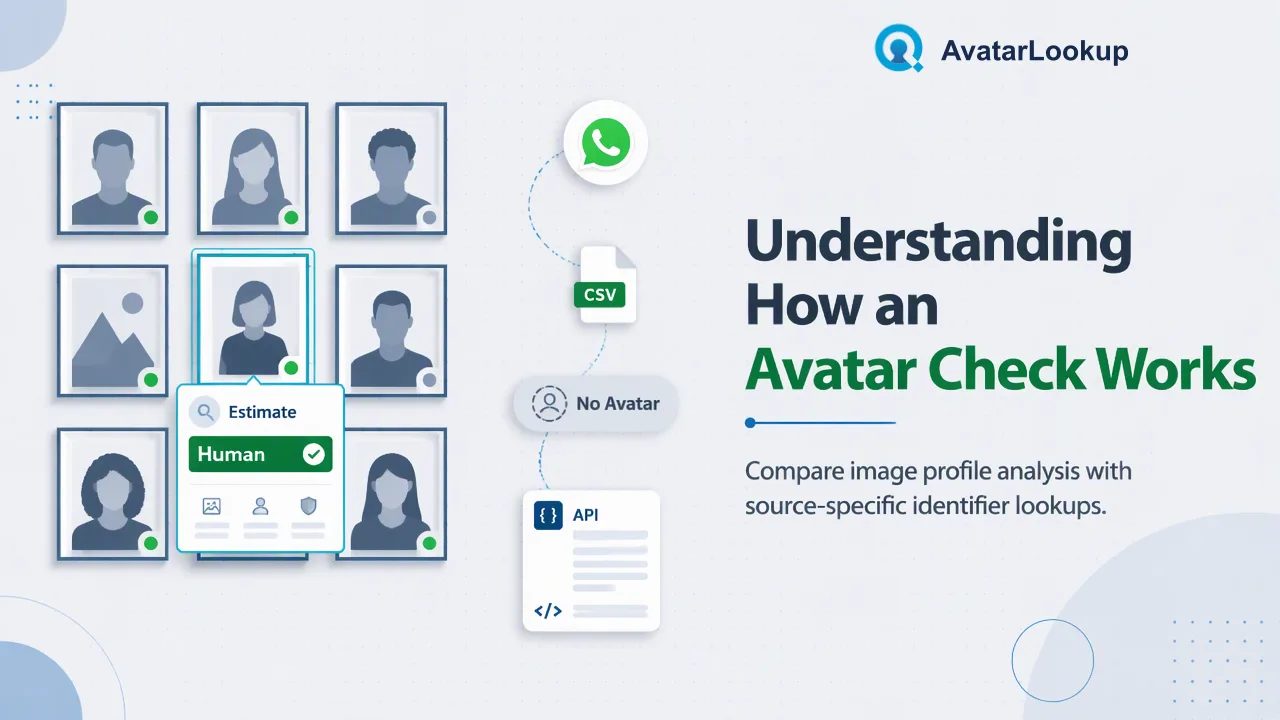
Avatar checks answer different questions depending on whether the input is an image or an account identifier.
An avatar check examines a picture already available to a team or asks whether a supported account identifier has a public avatar available. AvatarLookup begins with image profile analysis for an uploaded picture or public HTTPS image URL, then offers WhatsApp and supported-email avatar analysis when only an identifier is known. Source-specific bulk products handle eligible files. The output describes the image or public profile signal; it does not establish who a person is.
Start with the picture: image profile analysis
When the picture itself is the input, image profile analysis is the most direct route. AvatarLookup’s website accepts an image upload or a public HTTPS image URL. The documented image API accepts a multipart file upload; the accepted file types are JPEG, PNG, WebP and GIF. Check the current official API documentation before integrating, and keep the file within the documented size requirement. Do not assume the API accepts a URL or base64 payload merely because the website has a URL option.
The result describes the supplied picture, including picture type and algorithmic estimates of visible portrait attributes where the image permits them. A content-derived fingerprint refers to the image, not to a messaging account. A cartoon, pet or object may still yield a completed analysis with unknown appearance attributes. The team should label those values as estimates, avoid turning them into demographic facts, and keep them out of decisions about a person’s eligibility or trust.
This route suits a dataset that already contains a usable image and needs a consistent description of what is visible. It does not answer whether an email or phone account publishes that picture. If the team has only an identifier, use the source-specific route instead of pretending that an image analysis can find the account behind it.
When only an identifier is known, choose the source
Realtime single and synchronous multi checks are documented for WhatsApp numbers and supported Gmail, Yandex and Mail.ru email addresses. The service asks about a public avatar associated with that supported source and may analyze the available picture. Before submitting, identify the source and confirm that the email domain or phone workflow is supported. The AvatarLookup product and API documentation is the appropriate place to check current service availability.
A public-avatar result has a narrower meaning than image analysis from an uploaded file. The service may report whether a source-specific account signal and public avatar are available. A missing public image should remain a missing public image. Google’s profile guidance describes how users control visibility of profile information, which is one reason teams should not infer identity or mailbox status from an image’s absence. An available picture likewise cannot establish who selected it.
Do not transfer result semantics between sources. An email check supports only documented Gmail, Yandex and Mail.ru domains, while WhatsApp uses phone numbers. Telegram, Viber, MAX, LINE and Zalo are documented through specific bulk products rather than realtime single-avatar checks. This distinction helps a developer choose a valid workflow before designing UI labels or review rules.
Use source-specific bulk files for larger lists
AvatarLookup’s bulk products are asynchronous and source-specific. A team with a qualifying list prepares a TXT or CSV file with one identifier per line, selects the product that matches the source, submits the task, then checks status and downloads the result after completion. Phone, username and email products have different input rules and result columns. There is no single interchangeable “avatar bulk” output.
An email list uses the email avatar bulk product; a Telegram username list uses the Telegram username profile product. Phone products have their own country handling. Product-specific minimums, maximums and file-size rules apply; consult the current API documentation when preparing a production file. A task may finish later, so the integration should not present an asynchronous submission as if every result were already available in the request response.
The file workflow is useful for maintaining contact-data records at scale, while a realtime check suits one active record and a synchronous multi call suits a smaller group of identifiers. Select by the business task, identifier type and supported source. Avoid feeding a mixed list to a product designed for a single source or turning an empty output field into a blanket conclusion about an account.
Interpret the result before using it
An avatar can be a person’s photo, a logo, an illustration or an unrelated image. Algorithmic estimates describe visual features in a picture; they do not verify a legal identity, account owner, age or gender. Public-profile availability indicates what the selected source makes available to the check. A source may return an undetermined outcome, which should remain distinct from a completed result without a public avatar.
For synchronous multi checks, the documented exists marker indicates whether a result was produced. It must not be translated into “account exists” or “account absent.” A completed negative avatar or account signal has its own meaning, while an invalid, failed or undetermined item does not provide a negative verdict. Label these cases separately in a contact-data workflow and preserve the source name alongside the observation.
A practical review screen can show the original identifier, selected product, time checked, whether a public avatar was available, and whether the result was completed or undetermined. A reviewer can then decide whether to update a profile image, leave a record blank or request manual inspection. Do not automatically populate a person’s profile from a public image without an appropriate data-handling rule. The useful output is better data context, not a claim that a picture proves who someone is.
FAQ
How can teams choose between an image check and an avatar lookup?
Use image profile analysis when the picture is already available. Use a source-specific WhatsApp or supported-email check when only the account identifier is known.
How can teams interpret unknown appearance attributes?
Treat them as an analysis outcome for the picture, not a verified demographic description. A nonhuman or unclear image can still produce a completed result.
How can teams handle a missing public avatar?
Record the source and the absence of a public image separately from account presence and separately from an undetermined check.
How can teams process a large contact list?
Choose the documented bulk product for that source, prepare its TXT or CSV input, and wait for the asynchronous task before reviewing its source-specific output.
Learn More
Choose the product information that fits the next step in your workflow.