
Using the AvatarLookup MCP Server: Tools, Inputs and Limits
Understand the four documented AvatarLookup MCP tools, when to use identifier checks, and why image uploads and bulk files use REST.
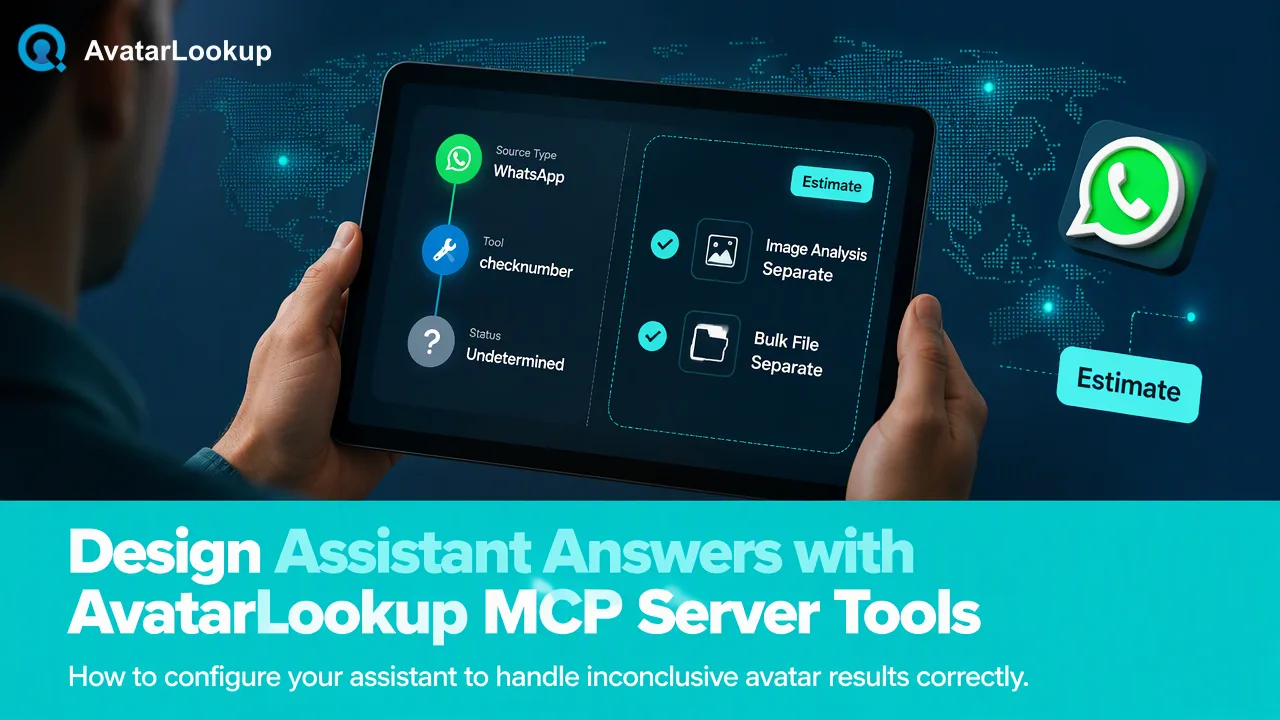
AvatarLookup's MCP server gives compatible assistants account-based identifier checks, product listing, and balance lookup; image uploads and bulk tasks use separate workflows.
The AvatarLookup MCP server at https://avatarlookup.com/mcp exposes four documented tools: list_products, check_number, check_numbers, and get_balance. It is useful when an AI assistant needs to inspect supported products or make a small identifier-based avatar check using the existing account. An uploaded image and an asynchronous bulk file task are different jobs with no documented MCP tool, so those workflows belong in the website or REST API instead.
Start with the input you actually have
Avatar analysis begins with the source of the evidence. If the team already has a picture, AvatarLookup's image profile analysis examines the image itself. The website accepts an uploaded picture or a public HTTPS image URL; the documented API route uses a multipart file upload. This is an image workflow, not an identifier check, and no image-upload MCP tool is documented.
If the team instead has a WhatsApp number or an email address on a supported domain, an identifier check can analyze the public avatar available for that source. Realtime single and synchronous multi checks are documented for WhatsApp and supported Gmail, Yandex, and Mail.ru addresses. They return within the initiating request flow. The other documented messaging sources have bulk file products rather than realtime single tools.
That distinction matters before configuring an assistant. An MCP client should not infer that a tool named check_number accepts every source in the catalog, or that an email or username can be submitted to any tool interchangeably. Consult the current product listing and documentation for the selected source. Keep an input record that says what was supplied: image, phone number, username, or email address. The interpretation of the result depends on that input.
What each documented MCP tool contributes
The four tool names define a deliberately small assistant surface. list_products lets the client inspect products available through the documented integration. check_number is for one supported identifier check. check_numbers handles a small synchronous group of supported identifiers of one service type. get_balance reports the existing account balance. The server is an access route to the same account, not a separate detection service or a second credit pool.
A useful assistant workflow is to ask which product fits the source, submit only the intended identifiers, then describe the returned signal with its source and time. The assistant should not reinterpret an avatar result as a person-identification result. An appearance estimate from a picture is algorithmic and may be unknown. The presence or absence of a publicly available avatar is not a statement about who owns an account.
Avoid pasting account keys into chat text, examples, or shared screenshots. Follow the current AvatarLookup connection instructions for the MCP client and keep authentication in the client's protected configuration. The exact credential exchange should come from current documentation; this article does not invent a sample configuration or claim an undocumented setup command. A team should also decide which users may invoke checks, because a client request uses the same account balance as the website and REST API.
Where the MCP boundary stops
An uploaded photo is an image profile analysis input. The documented REST image route uses multipart upload, while the website can also accept a public image URL. There is no documented MCP upload tool. An assistant can help prepare a local review plan, but it should not claim to have analyzed a picture through check_number.
Large lists are another separate path. AvatarLookup has eight distinct asynchronous bulk products for supported phone, username, and email sources. A bulk task starts with a TXT or CSV file, returns a task reference, and produces one CSV after successful processing. The documented REST path begins at POST /api/v1/bulk-tasks, with GET /api/v1/bulk-tasks/{id} used to review status. The MCP tool list has no bulk submission or file-download tool. A client making small synchronous calls should not be presented as a substitute for a bulk task.
The bulk products are source-specific. Telegram numbers and usernames, Viber, MAX, LINE, and Zalo are documented for bulk rather than realtime single checks. For those sources, choose the appropriate file product and read its own result definition. Do not invent a generic avatar_bulk product or assume one CSV schema applies to all of them.
Design an assistant answer around uncertainty
A useful assistant answer identifies the source and the meaning of the finding. For example, it can state that a public avatar was available for a checked identifier, or that a selected analysis produced algorithmic picture attributes. If no public avatar is returned, it should avoid saying that the account does not exist. If a check is undetermined or fails, it should say that the result is inconclusive rather than turning it into a negative avatar verdict.
The distinction between result presence and account presence is especially important in synchronous multi checks. The documented exists flag indicates that a result was produced. It is not a universal account-existence flag; a false value can reflect an invalid, undetermined, or failed check. A completed negative avatar or registration result can still be a completed, billable analysis. The assistant should rely on the selected product's meaning instead of flattening several fields into one 'verified' label.
Appearance attributes are estimates, not demographic facts. A pet, illustration, or object can yield a completed picture analysis. Teams should avoid using such attributes for consequential decisions about people. Store only the output needed for the contact-data task, label it by source and check date, and leave ambiguous records for human review. These are governance choices for the team, not hidden guarantees supplied by MCP.
A practical adoption checklist
Before connecting the assistant, identify the source types the team needs and whether each is supported for realtime checks. Confirm that the user has permission to process the identifiers. Review the current AvatarLookup product documentation for product names, API documentation for request and result rules, and the MCP endpoint's current connection guidance.
During a small pilot, record which tool the assistant selected, what kind of identifier was supplied, and how the answer described uncertainty. Compare the assistant's summary with the actual product result. An assistant that says 'no account' after an inconclusive avatar check needs its instruction corrected before wider use. The pilot need not assume any accuracy rate or processing time.
When the use case changes to an image or a large file, change the workflow explicitly. Use website image input or the documented image API for a picture. Use the source-specific REST bulk task for a large list. This keeps the assistant's capabilities aligned with the four documented MCP tools and makes each result easier to explain to a colleague reviewing a contact record.
FAQ
How can an assistant upload a picture through the AvatarLookup MCP server?
No image-upload MCP tool is documented. Use the website's image input or the documented multipart REST image route for a picture already held by the team.
Can check_numbers replace a bulk avatar file task?
No. check_numbers is a synchronous small-multi route for supported identifiers. Large file products are separate asynchronous REST tasks with source-specific preparation and a downloadable CSV.
What should an assistant say when an avatar check is inconclusive?
It should identify the result as undetermined or failed under the selected product, not assert that the account or avatar does not exist. A reviewer can decide whether a later check is appropriate.
Does the MCP server have its own balance?
No. The documented MCP tools use the existing AvatarLookup account. The get_balance tool reads that account balance rather than a separate MCP allocation.
Learn More
Choose the product information that fits the next step in your workflow.